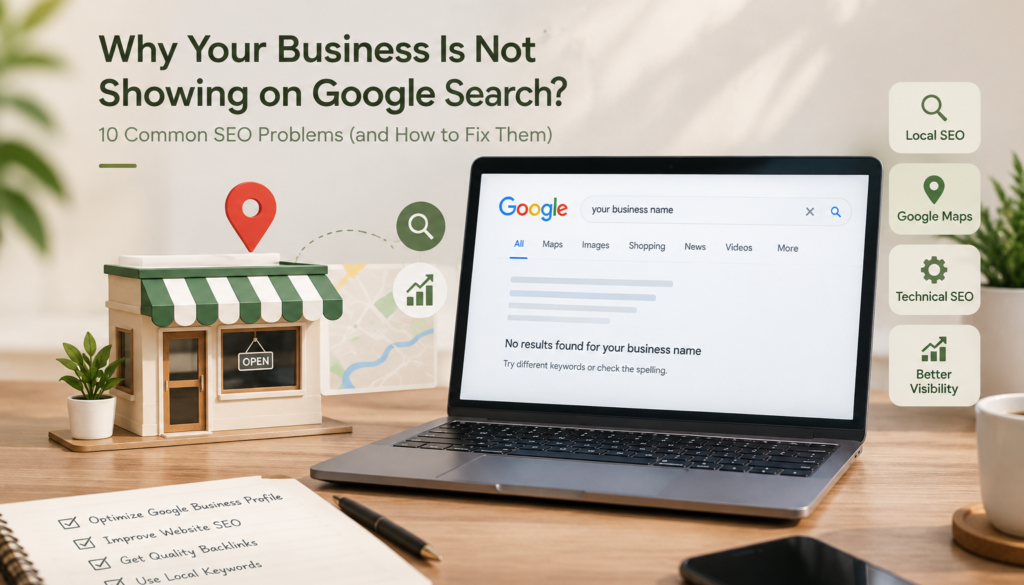
“Why Your Business Is Not Showing on Google Search: 10 Common SEO Problems”
Why Your Business Is Not Showing on Google: 10 Proven Fixes
If you’ve searched your own business name and it’s nowhere on the first page, you’re not alone. As a digital marketing strategist working with local businesses in Kannur, this is the single most common question I get: “Why is my business not showing on Google?” The good news is that it’s almost always fixable, and it usually comes down to one of ten problems.
1. Your Google Business Profile Isn’t Verified or Optimized
This is the #1 reason a local business is not showing on Google Maps or the local pack. If you haven’t verified your listing through Google Business Profile, Google simply doesn’t trust that you’re a real, active business yet.
Fix: Claim and verify your profile, fill in every field (categories, hours, services), and add real photos weekly.
2. You Have No Google Reviews (or Bad Ones)
Review count and rating are direct ranking signals for local search. A profile with 3 reviews will almost never outrank a competitor with 150.
Fix: Ask every happy customer for a review. Reply to all of them, good and bad — engagement itself is a signal.
3. Your Website Has No SEO Foundation
Many small business sites are built for looks, not search engines — no meta titles, no header tags, no keyword strategy. Google can’t rank what it can’t understand.
Fix: Every page needs a unique title tag, meta description, and one clear focus keyword.
4. You’re Targeting the Wrong Keywords
If you’re trying to rank for “digital marketing” nationally instead of “digital marketing strategist in Kannur,” you’re competing with thousands of bigger, older websites for a phrase your local customers barely use.
Fix: Go local and specific. Long-tail, location-based keywords convert better and rank faster.
5. Your Site Is Slow or Not Mobile-Friendly
Google’s own Core Web Vitals guidance confirms that page speed and mobile usability are measured ranking factors, not just user-experience nice-to-haves.
Fix: Compress images, use a fast host, and test your site on your own phone regularly.
6. You Have No Backlinks
Backlinks are still one of the strongest trust signals Google uses. A brand-new site with zero external links has almost nothing telling Google, “this business is legitimate.”
Fix: Get listed in local directories, partner with other Kannur businesses for mentions, and guest post where relevant.
7. Your Content Is Thin or Duplicate
Pages with 100–200 words of generic text rarely rank. Google’s helpful content guidance is explicit that content needs to genuinely serve the searcher, not just fill a page.
Fix: Write real, useful pages of 800+ words answering actual customer questions.
8. You’re Missing Schema Markup
Structured data helps Google understand exactly what your business does, where it’s located, and what it sells — without it, Google is guessing.
Fix: Add LocalBusiness schema to your homepage and contact page.
9. Your NAP (Name, Address, Phone) Is Inconsistent
If your business name, address, or phone number differs even slightly across your website, Google Business Profile, and directories, it damages local trust signals.
Fix: Audit every listing and make your NAP identical everywhere.
10. You’ve Never Actually Been Indexed
Sometimes the simplest answer is the true one: your site was never submitted to Google at all.
Fix: Submit your sitemap through Google Search Console and request indexing for key pages.
The Bottom Line
If your business is not showing on Google, it’s rarely one single mistake — it’s usually two or three of these compounding. Start with your Google Business Profile and site speed, since those give the fastest visible results, then work through the rest.
Written by [midhuna], Digital Marketing Strategist in Kannur.